Local semantic search over your code & docs, indexed by project.
A global, on-disk RAG store partitioned by project, backed by Postgres + pgvector. Point it at a repo or a folder of notes; get reranked hybrid semantic search back — per project or across all of them. Ships as a Claude Code / opencode / Claude Desktop / VS Code plugin with an MCP server. TypeScript on Bun, no build step, no Python, no API keys, no network at query time.
What it is
One PostgreSQL + pgvector database holds many projects; each is its own embedded, cross-encoder-reranked index. The active project is auto-resolved from your working directory, so an agent working inside a repo gets that repo's retrieval automatically — and you can still search globally across every project at once.
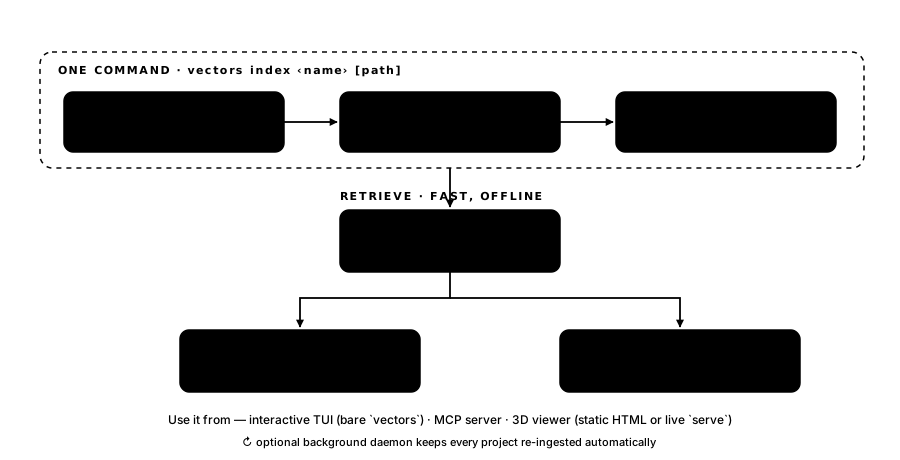
VINDEX_DSN              one PostgreSQL + pgvector database
  ├── scene/            a project — documents + chunks + vectors + root
  ├── portfolio/
  └── rustbook/

per-project   files → chunk → embed → store              (ingest, incremental)
              query → embed → dense+sparse → RRF → rerank (search, fast, offline)
global        fan out across projects → merge → one rerank → tagged hits
Core ideas
Project from your cwd
Resolution walks $VINDEX_PROJECT → nearest project root → a .git/.vindex marker → default. You rarely name the project.
AST + symbol-graph ingestion
Code is chunked by tree-sitter into one chunk per declaration (functions → symbol, types → definition), titled by symbol name. Imports become a queryable graph.
Hybrid, reranked retrieval
Dense (pgvector cosine) + sparse (Postgres FTS) fused with Reciprocal Rank Fusion, then cross-encoder reranked, with a confidence tier and citation grounding.
Fully local, no Python
Embeddings (all-MiniLM-L6-v2) and the cross-encoder reranker run on-device as ONNX via Transformers.js. No API keys; no network when you query.
Ways to use it
- CLI
- One-shot
vectors index ‹name›(create + attach + ingest),vectors search(project or--global),vectors ls,vectors viewer,vectors daemon,vectors doctor. - Interactive TUI
- Bare
vectorsopens a terminal UI (built onopentui) with command autocomplete, a project switcher (Ctrl-P), and query-first search. - MCP server
- 13 live tools for Claude / agents:
search,search_global,current_project,ingest,create_project,validate_citations,recall_intents, and more. - 3D viewer
- A three.js “synapse” navigator that PCAs a project's embedding space and lets you explore it interactively.
Explore the embedding space
Every project gets a 3D “synapse” viewer that PCAs the embeddings to three dimensions and links nearest neighbours — drag to orbit, scroll to zoom, type to search. It's a small live HTTP server over your real index, with a picker to switch between projects.
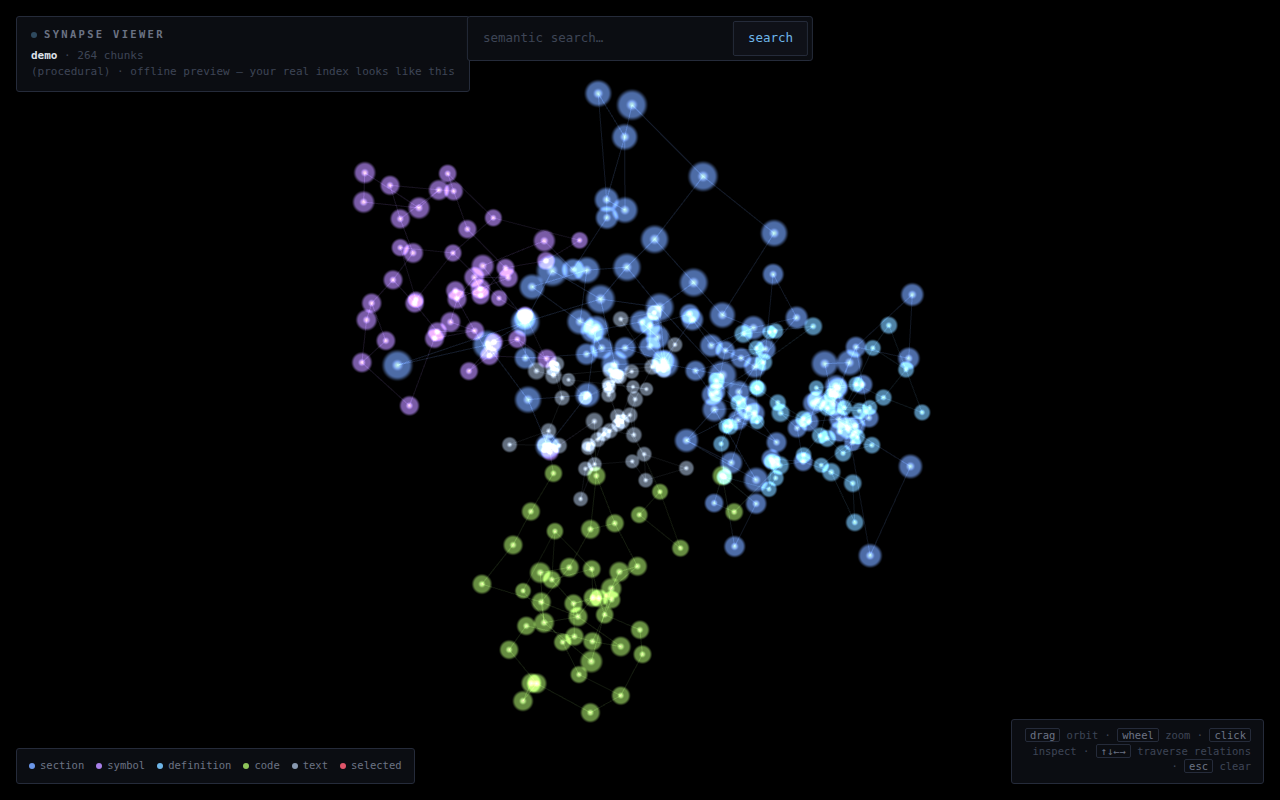
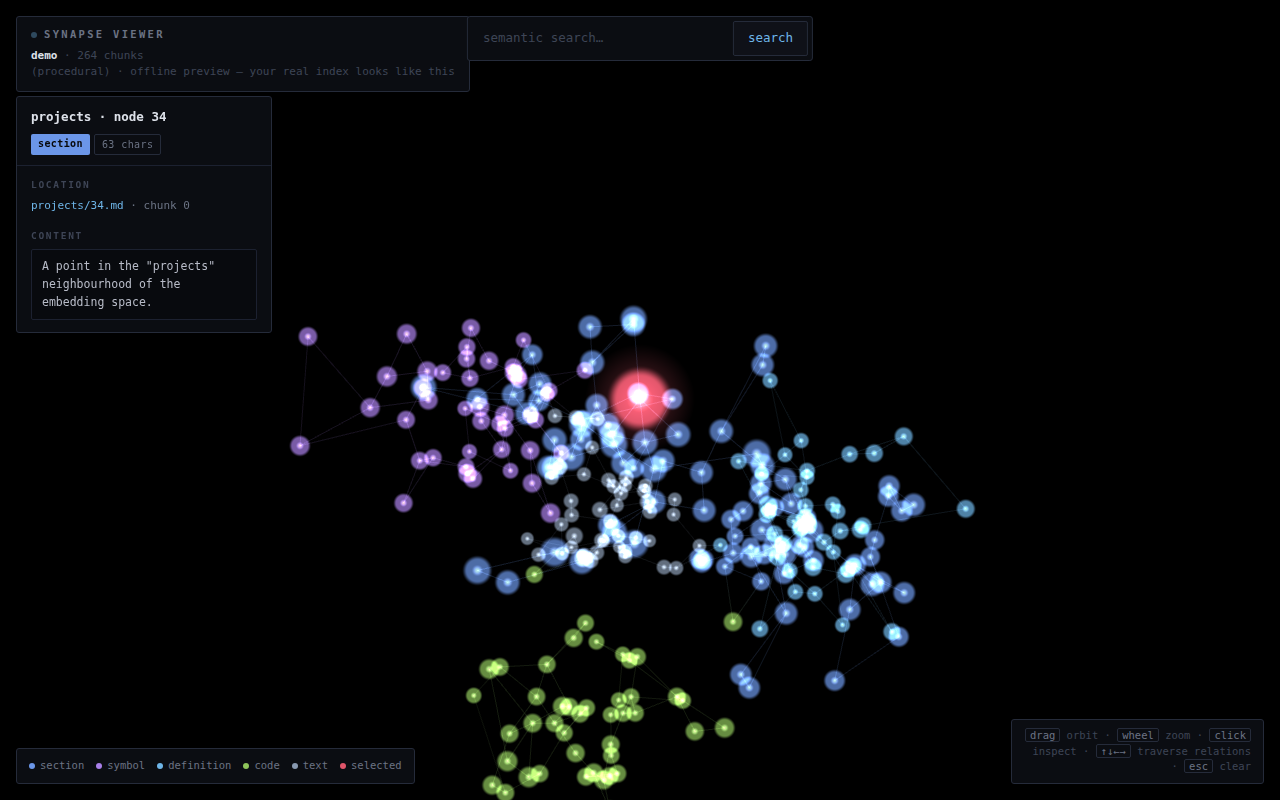
Run vectors viewer to open it against your own index.
Quickstart
# one command provisions everything — Bun, Postgres + pgvector,
# the global `vectors` CLI, the daemon, and MCP wiring. No Docker.
bash setup.sh

# index the project you're standing in (create + attach + ingest, one step)
cd ~/Projects/scene
vectors index scene                 # path defaults to cwd; git remote → citation URLs

# search the current project
vectors search "how does the flock pick ideas?"

# ask across every project at once
vectors search --global "welded indexed geometry deterministic seed"

# …or just open the interactive shell
vectors
Install from GitHub Packages npm
Published to GitHub Packages as @tuomashatakka/vectors-plugin,
shipping the vectors CLI bin and the MCP server. It runs
directly on Bun (no build step), so you need
Bun on your PATH plus a PostgreSQL 16 + pgvector database.
# 1. point the @tuomashatakka scope at GitHub Packages + authenticate
#    (a GitHub token with the read:packages scope)
echo "@tuomashatakka:registry=https://npm.pkg.github.com" >> ~/.npmrc
echo "//npm.pkg.github.com/:_authToken=GH_TOKEN"           >> ~/.npmrc

# 2. install globally — exposes the `vectors` bin + MCP server
npm i -g @tuomashatakka/vectors-plugin

# 3. point at Postgres, apply the schema, verify
export VINDEX_DSN=postgres://localhost:5432/vectors
vectors setup            # schema + default embedding space
vectors doctor           # Bun · DSN · Postgres · pgvector · schema

# index a repo, then search it — or run the MCP server for your agent
cd ~/Projects/myrepo && vectors index myrepo
vectors search "where is the retrieval pipeline?"
vectors mcp              # stdio MCP server for Claude / opencode / …
Want one-command provisioning (Bun + Postgres + pgvector) and the
skill, slash command, MCP and intent-memory hooks wired into every detected
editor? Clone the repo and run bash setup.sh instead.
AST + symbol-graph ingestion headline
Code files aren't chopped into blind line windows. tree-sitter parses each file and emits one chunk per named declaration — far better retrieval granularity — while imports are persisted as graph edges.
- One chunk per symbol — functions/methods →
symbolunits; classes/interfaces/types/enums/consts →definitionunits, each titled by its symbol name (e.g.src/geo.ts › seedMesh). - An import graph — each file's imports become
reference(kind='file')rows +mentionslink edges in the same store. - 15+ languages — ts, tsx, js, py, go, rust, java, c, cpp, ruby, php, c#, swift, kotlin, scala, lua. Pure JS/WASM (
web-tree-sitter+tree-sitter-wasms). - Graceful fallback — unsupported languages or parse failures fall back to the heading/line/char chunker.
Unified knowledge database design
One local PostgreSQL + pgvector store consolidates everything, so
vectors and memory live side by side and cross-reference cleanly. Full DDL
ships in the repo; the complete spec is in spec.md.
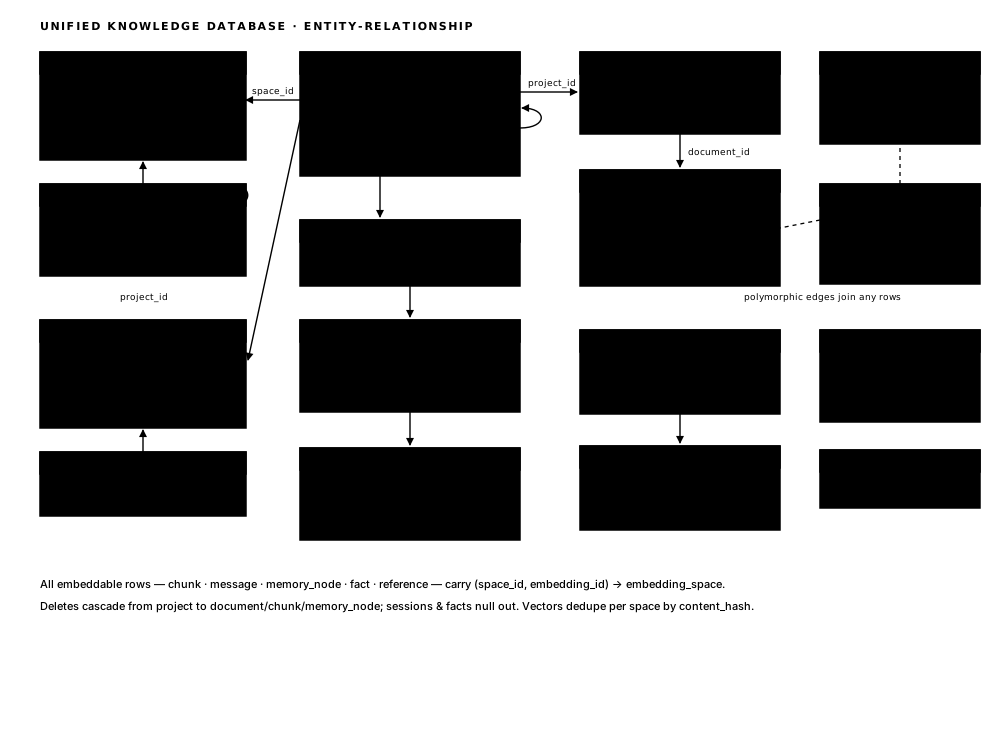
- One store, four kinds of knowledge — chunk vectors, chat history, external references (URLs, Drive, Notion), and your own document/codebase content.
- Multi-project, not isolated — a project hierarchy plus sibling links; content is tagged by project yet still searchable globally.
- A 4-level memory ladder — from verbatim content (L0) up to vague concepts (L3), derived by a local model and regenerated when the source changes — without ever mutating the originals.
- Constantly-learning memory — durable facts and preferences with confidence, reinforcement, and computed salience decay.
- Intent memory — hooks learn which recurring asks resolved (or didn't) and inject prior resolutions before the next reply.
Background daemon in repo
A single long-lived process (launchd on macOS, systemd on Linux) keeps the database current, with no manual steps.
- Chat feeder — watches transcript files and ingests new conversation context automatically.
- Source feeder — mirrors changed project files into the store, content-hash diffed.
- Digest worker — drains a job queue, embedding content and running local-Ollama summarization, fact, and reference extraction.
Manage it with vectors daemon start | stop | status | logs.